AI Photo Enhancer
Enhance blurry, low-resolution photos in seconds.
Upload your image and let our AI sharpen details, improve clarity, and boost quality automatically.
Supports JPG, PNG, WEBP. Max 20MB
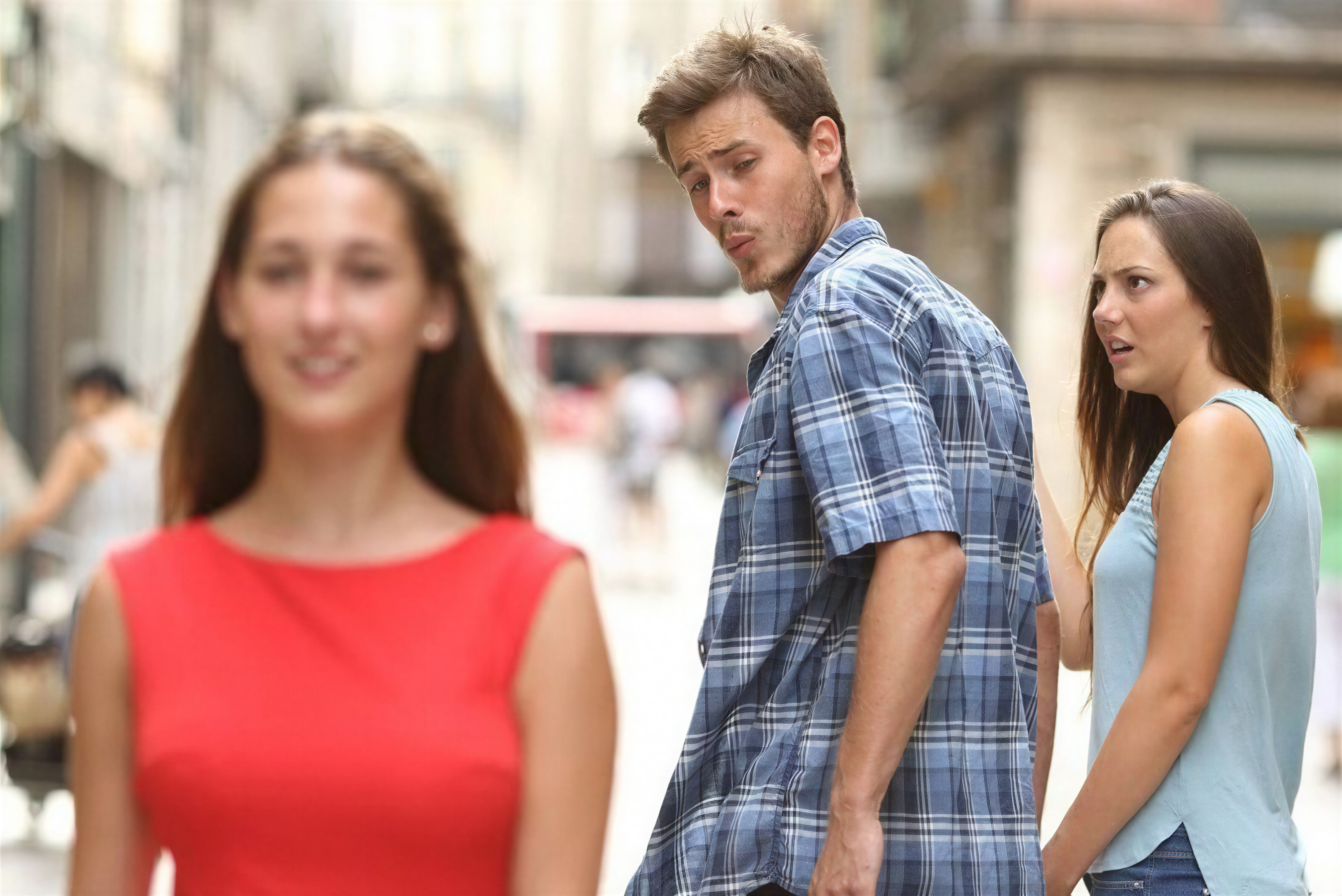
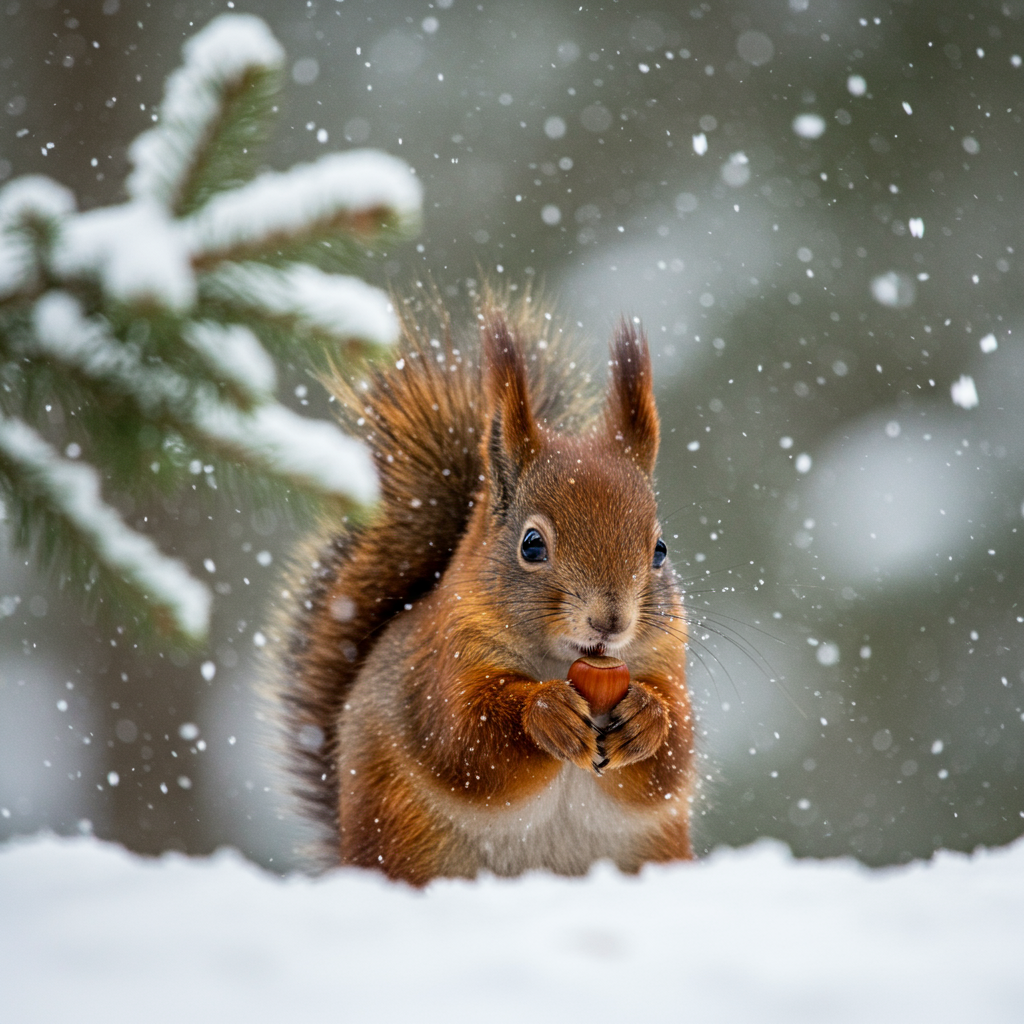
Sharpen blurry photos in seconds
Turn soft, out-of-focus shots into clear, detailed images with the AI Photo Enhancer. Our AI photo enhancement process rebuilds edges, textures, and facial details while preserving natural skin tones and avoiding harsh artifacts with the ai photo enhancer.
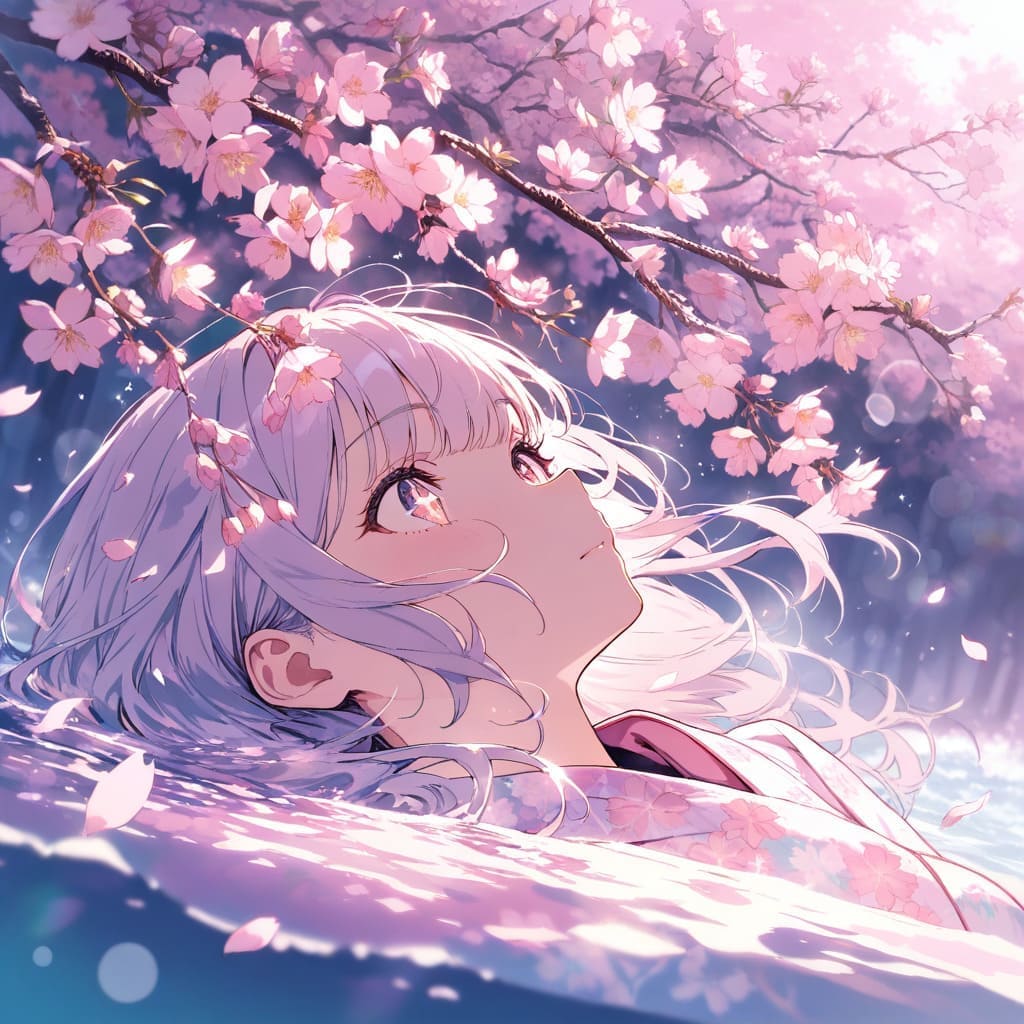
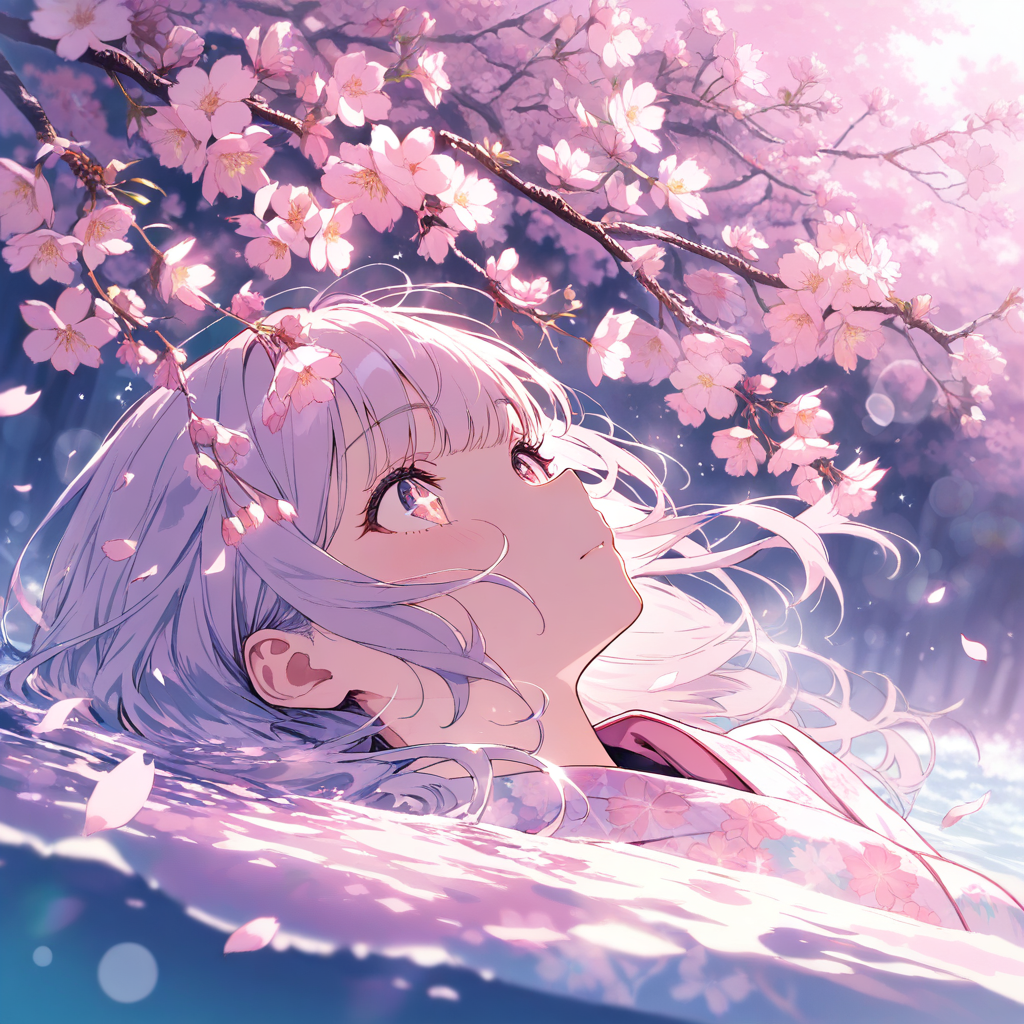
Reduce noise and improve clarity
Remove grain and compression artifacts from low-light photos without washing out color or texture. The AI Photo Enhancer delivers clean, natural results for night scenes, indoor photos, and older smartphone images with the ai photo enhancer.
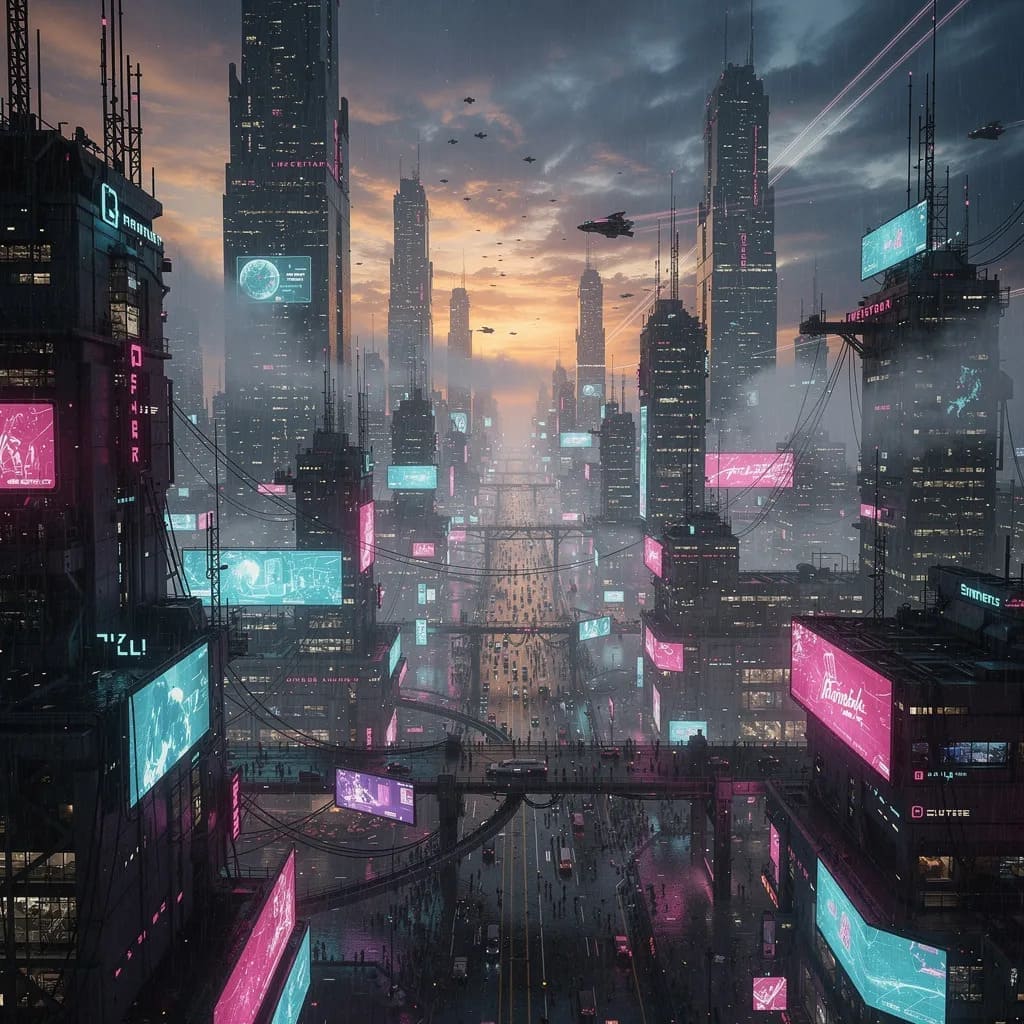
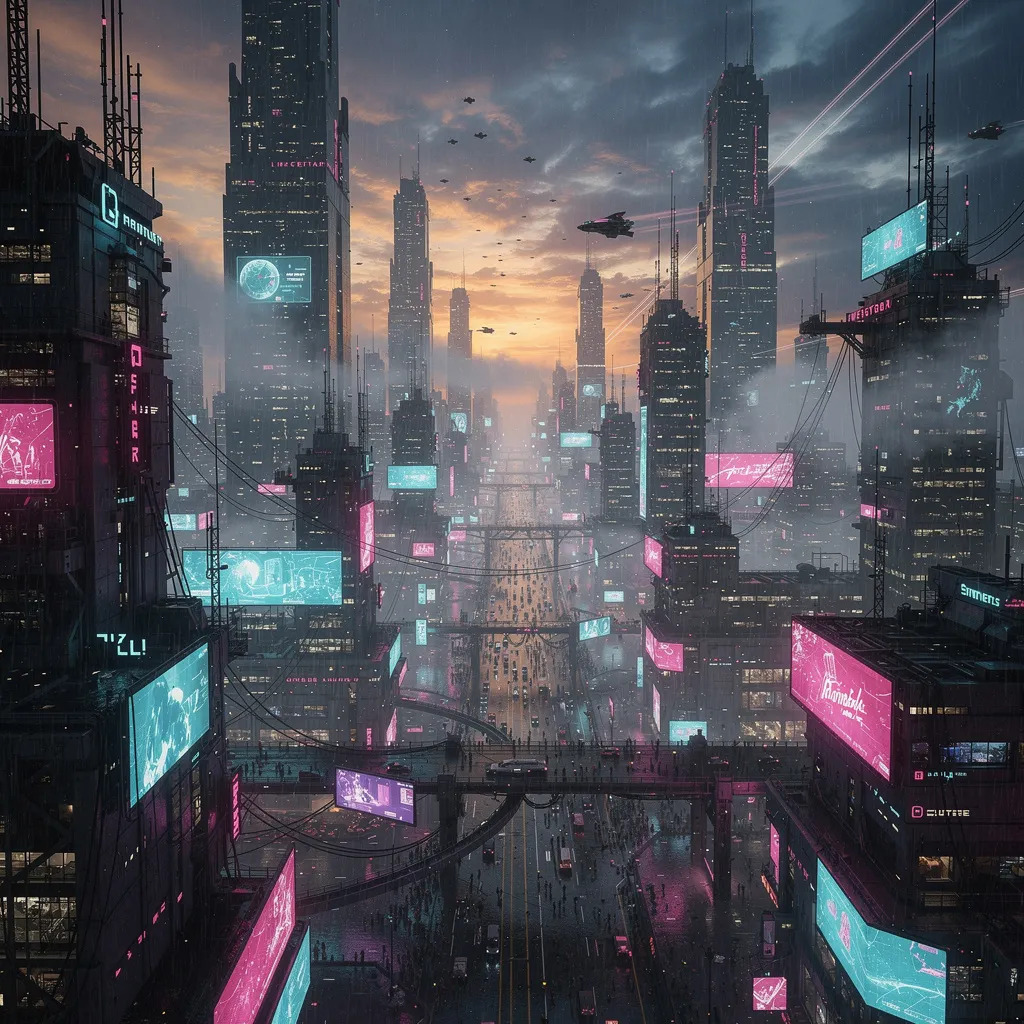
Upscale photos for print and sharing
Boost image resolution for profiles, marketing assets, and prints while keeping the original look intact. AI photo enhancement adds clarity and fine detail so photos stay sharp on every screen or paper.


AI Photo Enhancer Features for Clearer, Sharper Images
Improve image quality with one-click AI enhancement that sharpens details, reduces noise, and restores clarity in blurry or low-resolution photos using the ai photo enhancer.
Detail Recovery
AI reconstructs fine textures, edges, and facial features so photos look crisp and natural with the ai photo enhancer.
Noise & Blur Reduction
Reduce grain, motion blur, and compression artifacts while preserving skin and surface texture with the ai photo enhancer.
Resolution Upscaling
Increase image resolution for prints, profiles, and marketing assets without pixelation with the ai photo enhancer.
Fast, Consistent Results
Automatic enhancement in seconds with stable quality across portraits, products, and landscapes from the ai photo enhancer.
How It Works
AI photo enhancement in four focused steps
Phancer enhances photos with a clear workflow that targets blur, noise, and low resolution, so every image looks sharper, cleaner, and more natural with the ai photo enhancer.
Analyze the photo
We detect blur, noise, and low-detail regions so the ai photo enhancer knows where to improve clarity, contrast, and edge definition.
Reduce noise with texture control
Grain and compression artifacts are softened while skin, fabric, and surface texture stay intact for a clean but realistic look in the ai photo enhancer.
Recover sharp edges
Edges around faces, text, and fine structures are rebuilt to restore crispness without halos or over-sharpening by the ai photo enhancer.
Upscale with balance
Resolution is increased for clearer viewing and print-ready output while keeping the original look and color tone with the ai photo enhancer.
Best results checklist
A few simple input choices can noticeably improve the final AI photo enhancement with the ai photo enhancer, especially for faces and text.
- Use the original file when possible to preserve the most detail and dynamic range.
- Avoid heavily compressed images for cleaner, sharper output and fewer artifacts.
- Portraits benefit most from higher-resolution inputs and even, natural lighting.
- Crop to the main subject so enhancement is focused where it matters most.
Choose Your Plan
Flexible pricing options for different needs with the ai photo enhancer
For casual creators
- 400 credits / month
- Auto-renewal
- Standard support
- Fast queue
- Customized requirements
Best value for anime lovers
- 1000 credits / month
- Auto-renewal
- Priority support
- Fast queue
- Customized requirements
Built for power users
- 3000 credits / month
- Auto-renewal
- Dedicated support
- Fast queue
- Customized requirements
Frequently Asked Questions
Everything you need to know about AI photo enhancement with the ai photo enhancer
Can I try the AI Photo Enhancer for free?
Yes. New users get free credits to test the AI Photo Enhancer with the ai photo enhancer before upgrading.
How does the AI Photo Enhancer work?
Upload a photo, and the AI analyzes blur and noise to improve sharpness, clarity, and resolution automatically.
What image formats are supported?
JPG, PNG, and WEBP are supported, with a maximum file size of 20MB.
Which photos benefit most from enhancement?
Blurry, low-light, compressed, or low-resolution photos typically see the biggest improvement.
How long does enhancement take?
Most images finish in a few seconds, depending on file size and server load.
Can I use enhanced photos commercially?
Yes, as long as your use follows our terms and local laws.
Will the AI change the style of my photo?
No. It focuses on clarity and detail while keeping the original look.
What if the result isn’t what I expected?
Try enhancing again or upload a clearer original image for the best results.